Make the map show what you need
By Fred Kix · 29 October 2026 · the map
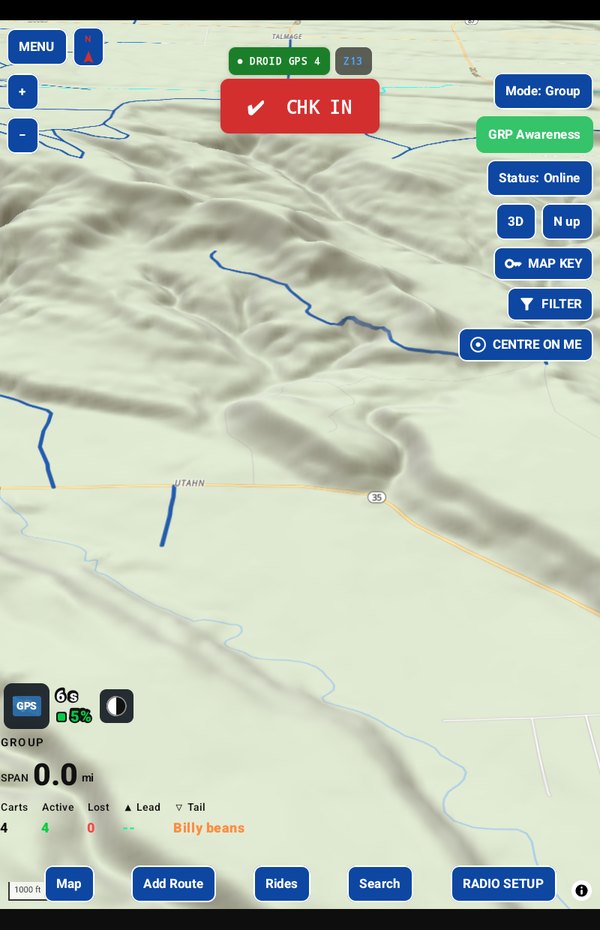
Three buttons on the right side of the map change what you see: the kind of map, what's drawn on it, and what each line means. Here's how to make the map show just what you need.
A map full of lines can be a lot to take in. These three buttons let you clear the clutter and see the ride in front of you.
Map type: satellite or topo
On the right side of the map, tap the button that reads Map: SAT (or TOPO, or TOPO+). Choose:
- SAT, a satellite photo, to see the ground as it really is,
- TOPO or TOPO+, two different topographic maps, to see the shape of the land: hills, washes and canyons.
The button always says which one you're on. The panels on the map change colour with it so they stay easy to read.
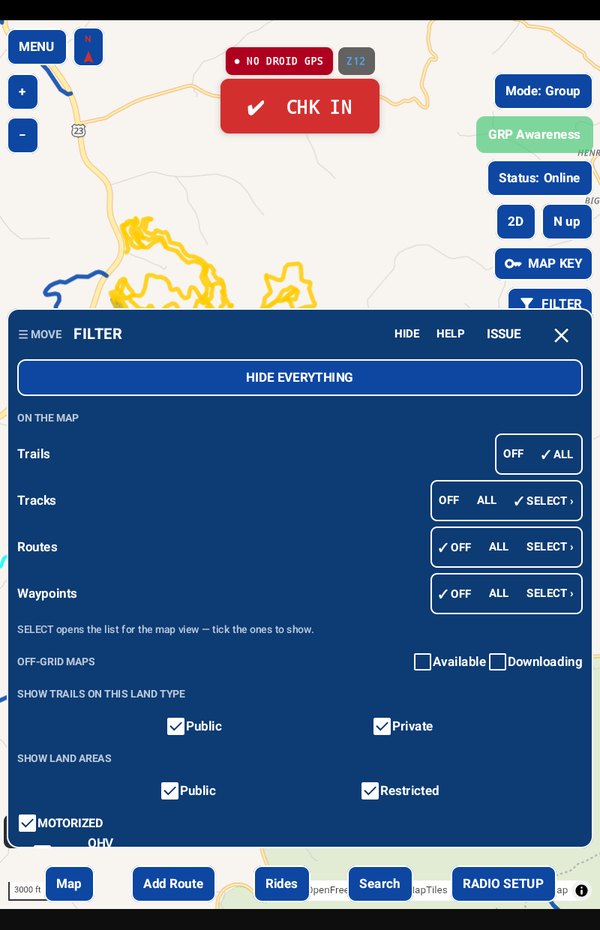
FILTER: what's drawn on the map
Tap FILTER. It stays open beside the map so you see each change as you make it.
- HIDE EVERYTHING clears the map. SHOW AGAIN brings back exactly what was there.
- Turn trails, tracks, routes and waypoints on or off.
- Show only the kinds of trail you ride, and hide the ones you can't, like hiking paths.
- Show only trails on public land, or only private.
- See where your downloaded maps reach, so you know where they run out.
MAP KEY: what the lines mean
Not sure what a dotted orange line is? Tap MAP KEY. It lists every kind of line on the map, the trails by type, your own tracks and routes, and the group's carts, with what each one means.
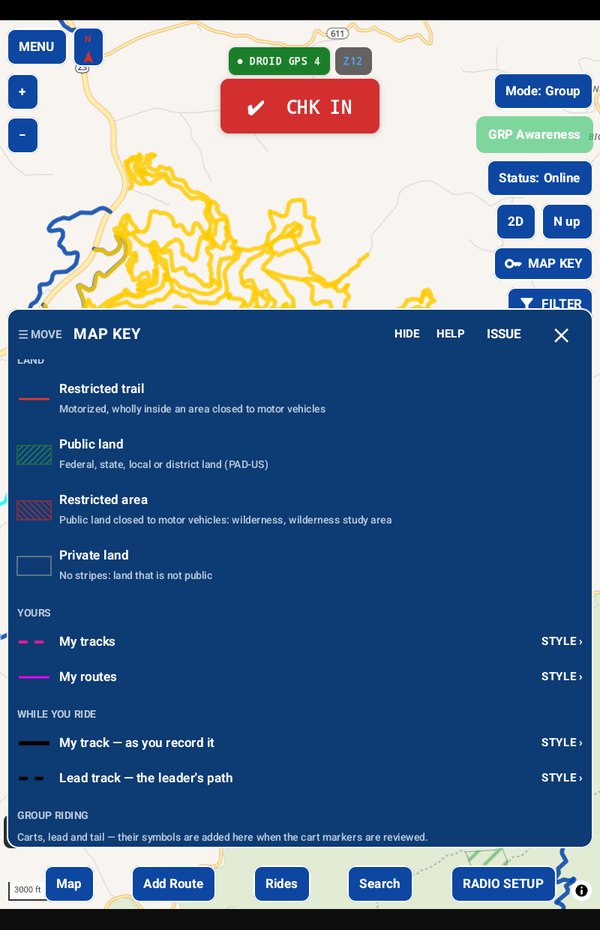
Want your own routes to stand out? Tap STYLE on that row and choose a colour, pattern and thickness. The map changes as you choose.
CENTRE ON ME
One more handy button. Tap CENTRE ON ME and the map follows your cart. Drag the map to look around and it stops following. While you're recording, it starts following again by itself 15 seconds after you stop touching the screen.
In the manual
Take it for a test drive
Download GroupTrack, load your state's trails, and look around the places you ride. Try planning a route.
If it isn't for you, uninstall it. There's no account to close and nothing to cancel.
Help me finish it
Find something missing, awkward or broken? Please reach out to me at support@grouptrack.org. I need your input to finish this.
More articles
Next article: Trail, route, track, ride: the words GroupTrack uses