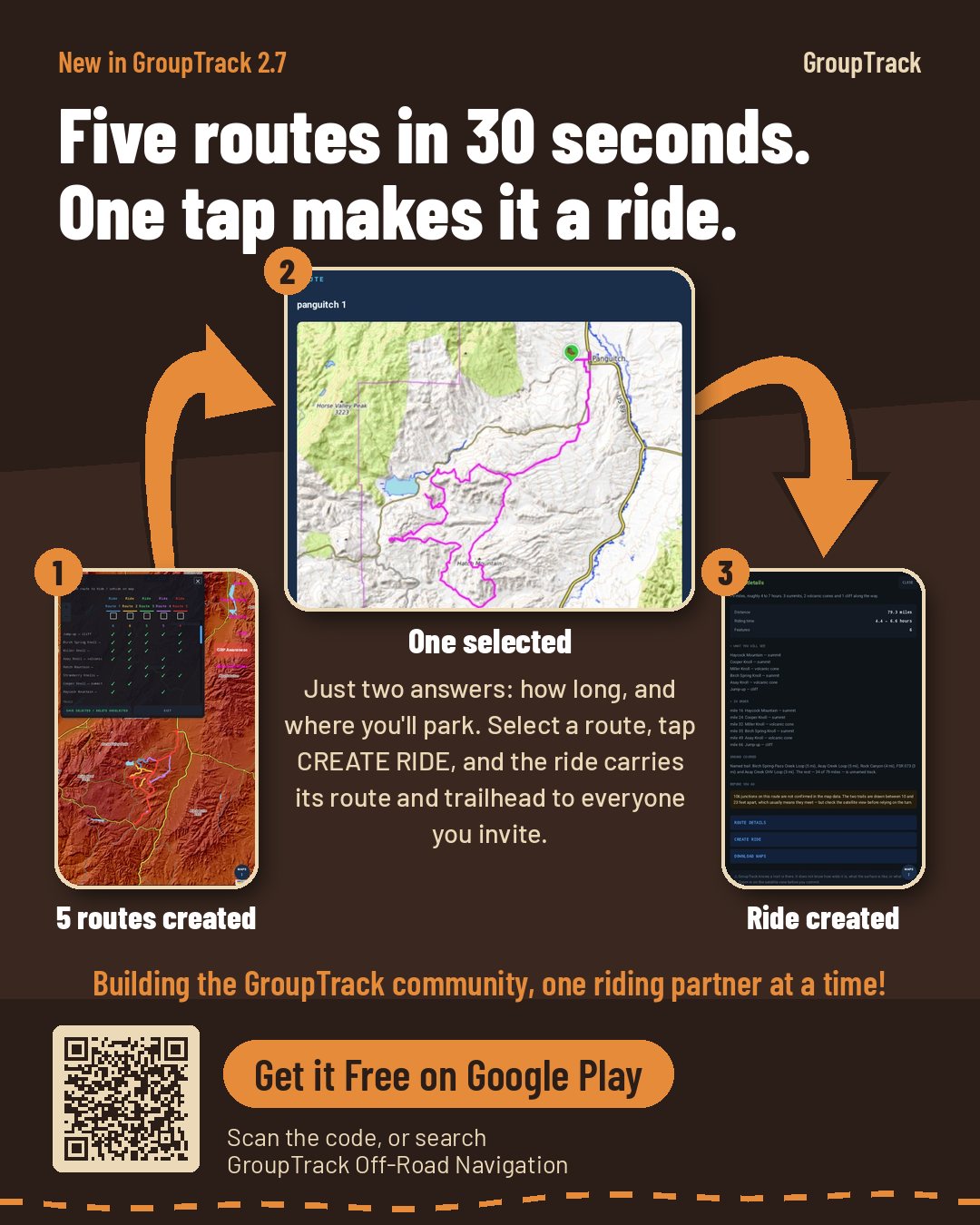
Trails for every state, a planner that builds the routes for you, Create a Ride to send your group everything they need, and your whole group on the map over Meshtastic radio — with no signal, no account and no subscription.

Free for Android. A radio is only needed for riding as a group.
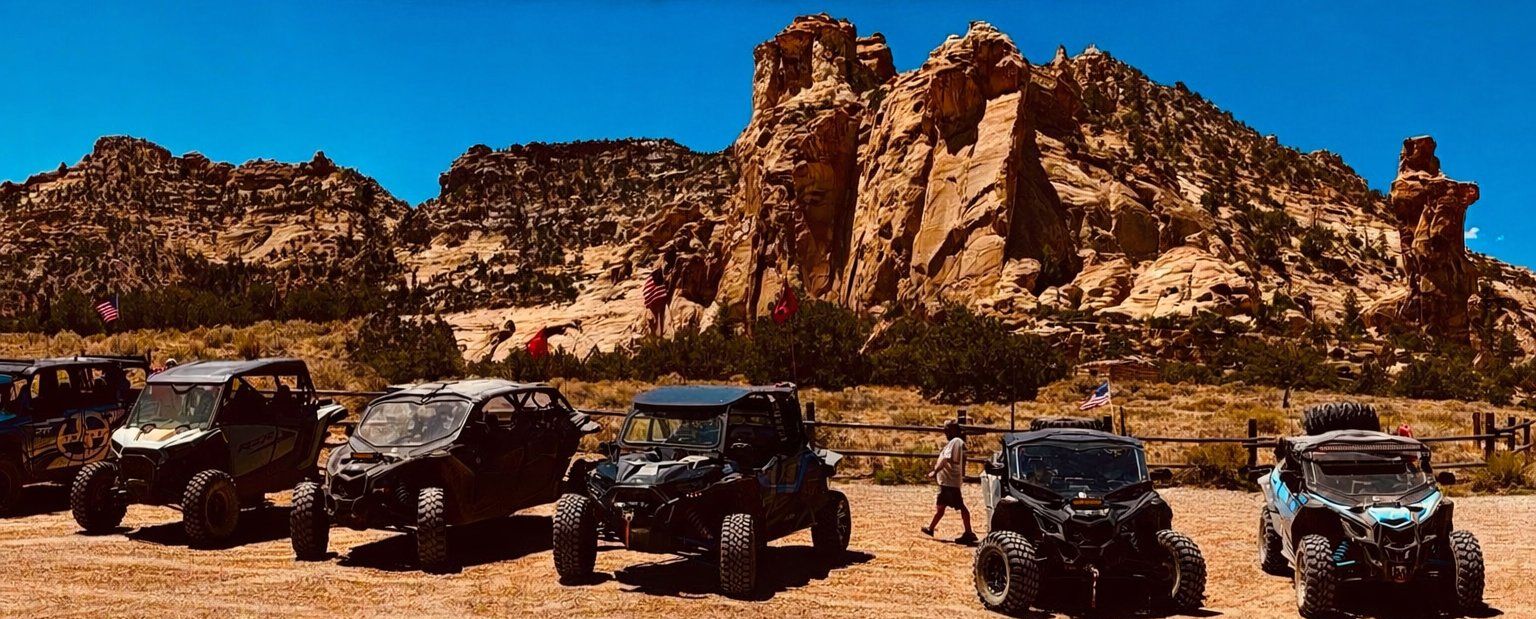
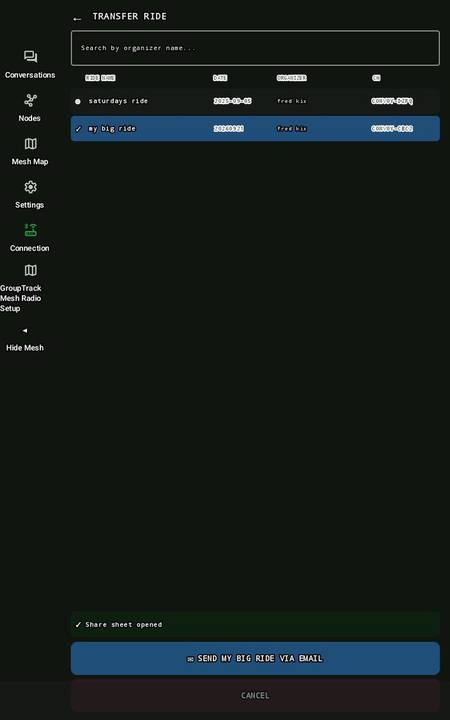
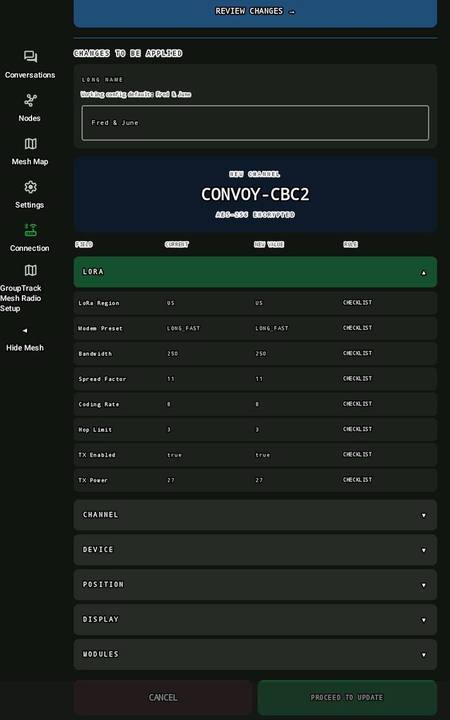
One ride holds the route, the trailhead, the date and time, every map it needs offline and the radio configuration. Send it in one click; your friends open it in one click — and at the trailhead, check-in sets their radio up for the group.
Building the GroupTrack community, one riding partner at a time!
Today on GroupTrack
A new one every day — or tap any of them below.
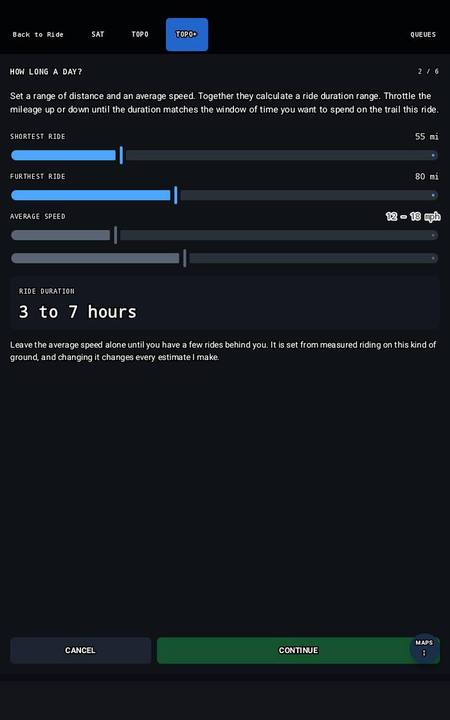
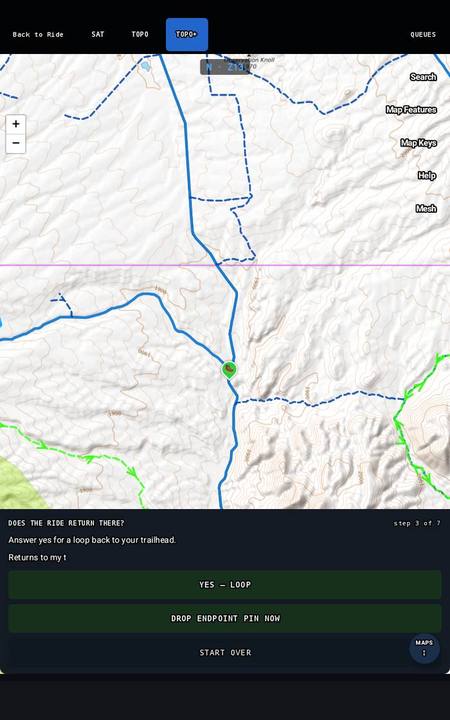
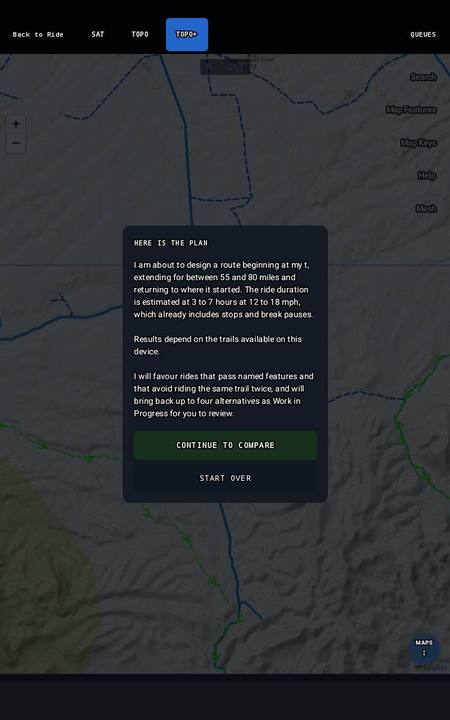
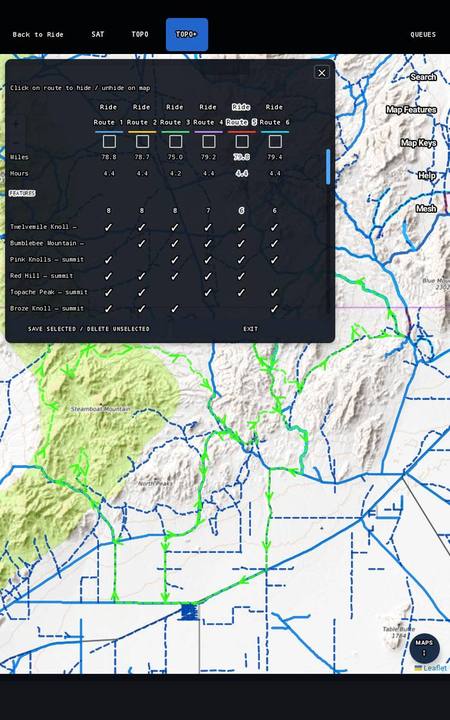
Answer as few as two questions — how long a day, and where you'll park — and in about 30 seconds GroupTrack searches the trails around you — up to 10,000 of them in some places — and brings back as many as six routes that fit. Keep one, and Create a Ride from it.

Set a distance range. The planner turns it into hours on this kind of ground.

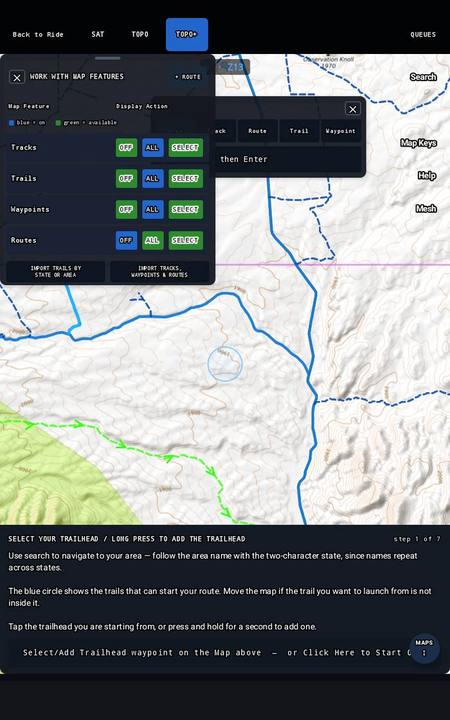
Tap a waypoint, or press and hold to make one where you'll unload.

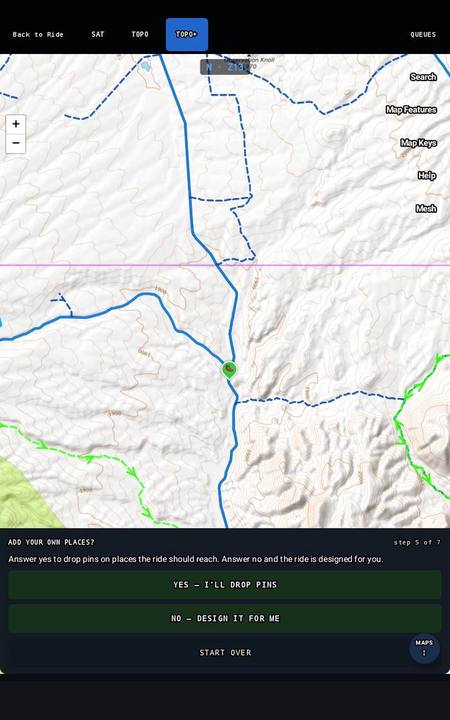
Optional. Anything it can't reach is refused with a reason, not quietly dropped.

Back to the trailhead, or somewhere else you're staying.

It reads back where it starts, how far, how long and at what pace.

The routes side by side. Keep the ones you want.
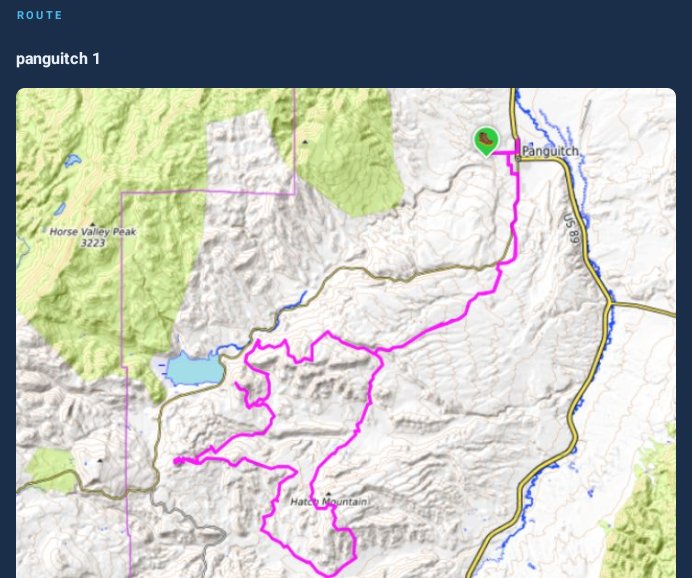
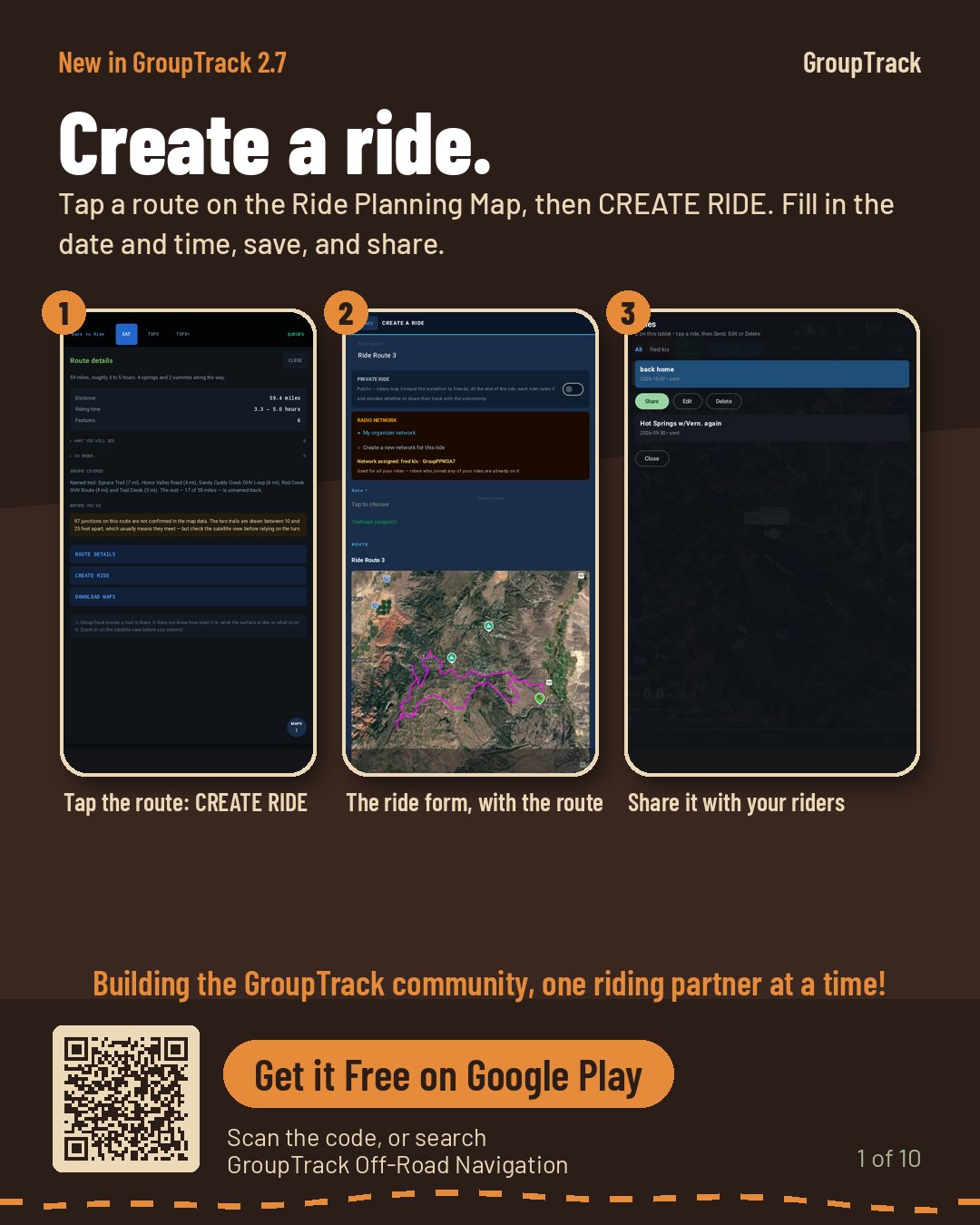
Tap the route you like and tap CREATE RIDE. The ride form opens with the route, its trailhead and its picture already in place — set the date and time, and send it to the riders coming with you.
They get the route, the trailhead, every map it needs offline and the radio setup, in one tap. At the trailhead, check-in sets their radio up for the group.
★ Create a Ride in the manual
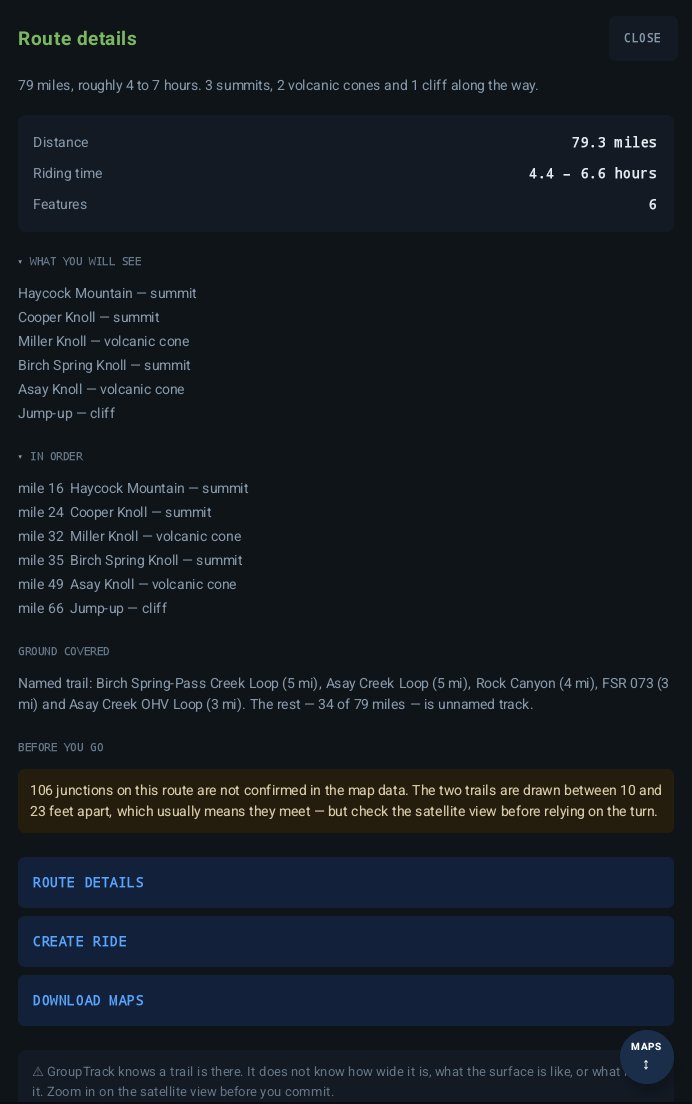
Open a route and it tells you what you're in for: how far and how long, what you'll see along the way in the order you'll reach it, which named trails it uses and how much of it is unnamed track.
And it's honest about what it can't know. GroupTrack knows a trail is there — not how wide it is, what the surface is like, or what's on it. Zoom in on the satellite view before you commit.
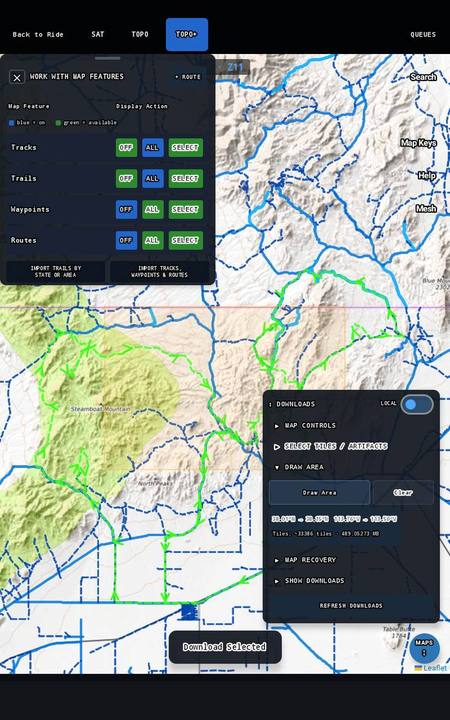
Keep a route and GroupTrack offers to download the maps along it, so it's ready before you leave home. Your answers are saved with the routes, so you can ask for six more from the same brief whenever you like.
The route planner in the manual
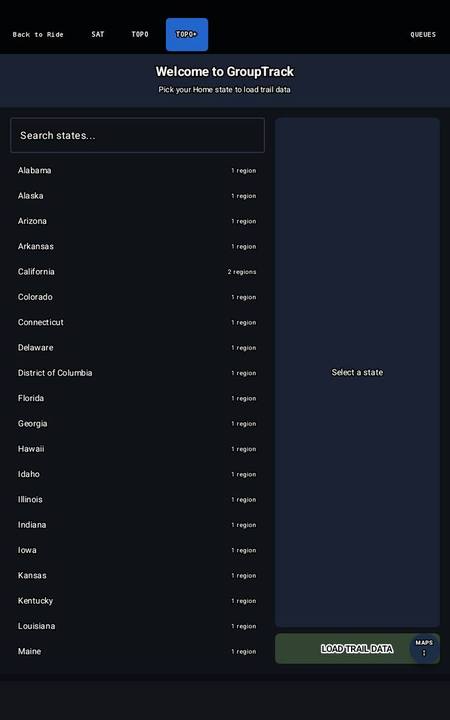
Load the trails for your state from OpenStreetMap and the Forest Service, BLM, National Park Service and USGS. Then bring in your own tracks — from Gaia, onX, or anything that exports GPX — and GroupTrack downloads the maps each track needs as it comes in.
Your own tracks are proof that ground is rideable. You rode it.
Published trail data misses a great deal. Where one of your tracks crosses ground no map covers, GroupTrack adds that stretch as a new trail — so the planner stops routing you the long way round ground you know. Record a new track and the same thing happens.


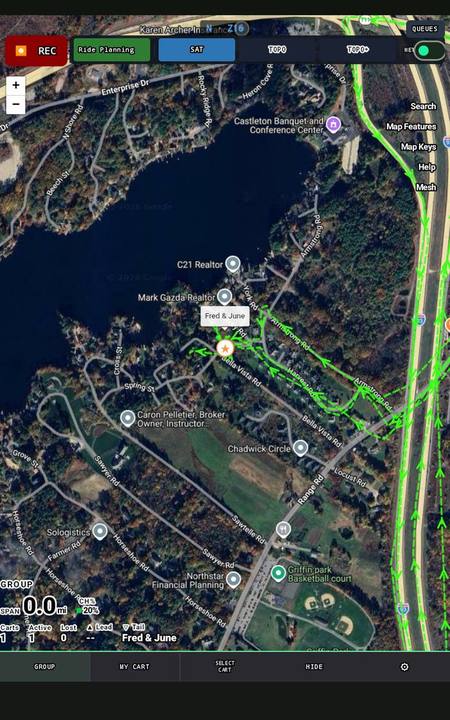
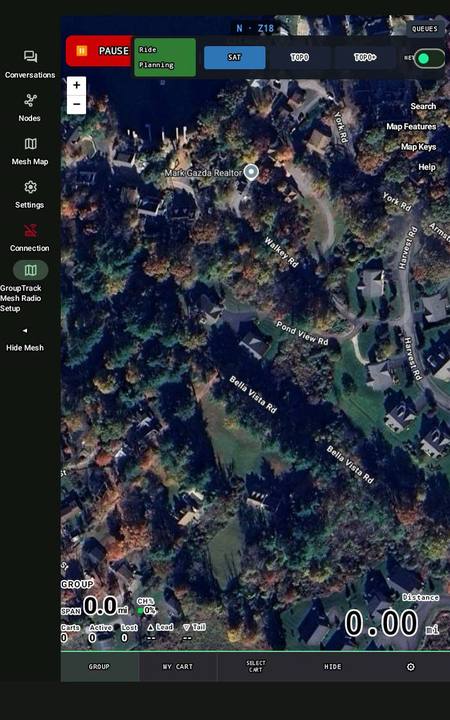
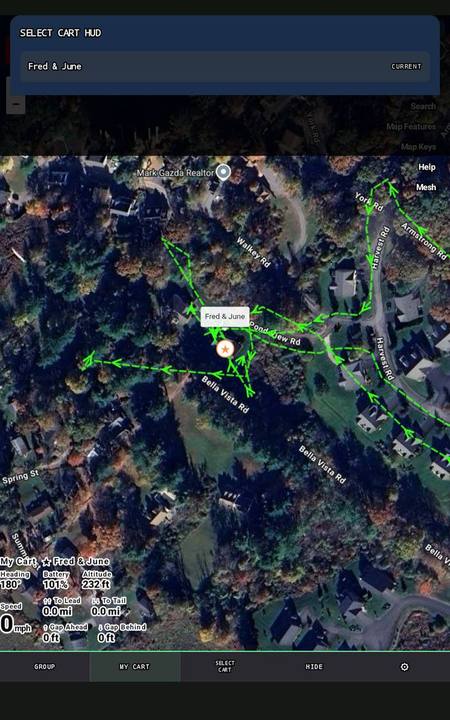
Give each cart a Meshtastic radio and everyone in the group is on everyone's map — radio to radio, with no tower and no data plan. Each radio relays for the others, so the more carts you have, the further the group reaches.


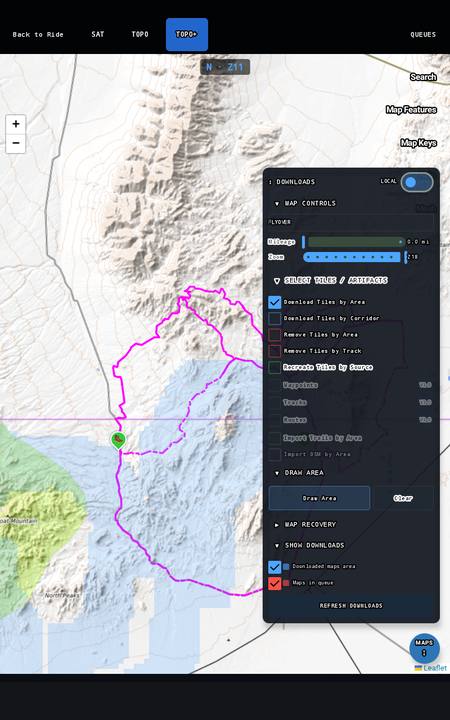
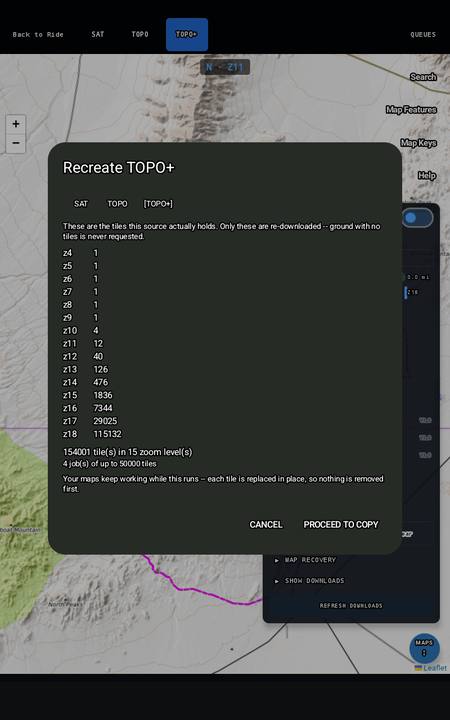
Satellite, topo and a detailed topo layer, all stored on the device. GroupTrack works out which maps a route needs and fetches them for you.


Maps follow the route as a corridor — wide when you're zoomed out, close in when you're zoomed in — so there's no blank tile at any zoom.
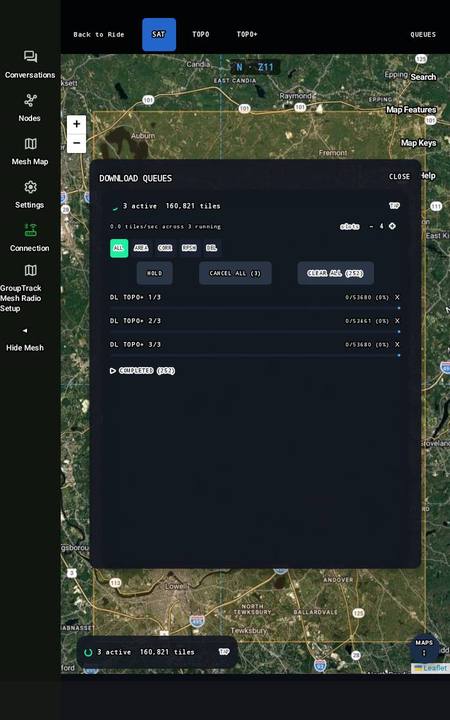
Close the app, restart the tablet or lose power mid-download. The queue resumes on its own and runs until every item is done.
Switch the map to the device's own copy and ride with wifi and cell completely off.
Yes. Maps, trails, the route planner and recording all run on the device. You need an internet connection to install the app and download your trails and maps beforehand — after that, nothing on the trail depends on a signal.
Yes. No account, no subscription and no ads. Your rides stay on your device.
All 50. Trails come from OpenStreetMap and from the Forest Service, BLM, National Park Service and USGS where they publish them. Load the states you ride in, and add any area by drawing it on the map.
Yes. Export them as GPX, get the file into your tablet's Downloads folder — email works fine — and import it. Tracks, routes and waypoints all come across, and GroupTrack downloads the maps each one needs.
Load your states first, then your tracks. Anywhere your tracks cross ground no map covers becomes a new trail.
Trails for a state load in minutes. A few years of track history imports in hours. The maps to support all of it download overnight — start it before bed and it's done by morning.
Yes. Downloads are queued and managed by GroupTrack. If the app closes, the tablet restarts or the power drops, the queue picks up where it left off and carries on until everything is done.
No. Navigation, trails, the route planner and recording all work on the tablet alone. A radio is only needed to see the rest of your group on the map.
Yes — any Meshtastic-compatible radio can join the group and show up on everyone's map.
The difference is setup. With a SenseCAP T1000-E, GroupTrack sets the radio up for each ride itself, saving the radio's own settings first so you can put them back afterwards. With any other Meshtastic radio, you enter the ride's settings by hand — the manual shows how.
2.7a: GroupTrack sets up every Meshtastic radio at check-in, saving the radio's own settings first so you can put them back afterwards. The T1000-E is what we test with: small, weatherproof, and it runs for days.
Android 12 or later, with 128 GB of storage or more — offline maps take room, and a whole state with your ride history adds up. At least 4 GB of memory is recommended.
Check that it has GPS. Many budget tablets don't, and a position worked out from wifi won't follow you onto the trail. If yours has no GPS, a T1000-E radio can supply the position instead.
Yes. Your group rides on its own encrypted channel, and positions go radio to radio — they don't pass through any server. Only radios set up for your ride can see you.
The same three documents that ship inside the app, under the ? button.
First-time setup, step by step: pick your map, load your state, bring in your tracks.
Open Quick StartEvery screen and every flow, with a screenshot for each step.About 9.5 MB — best on wifi.
Open the manualWhat changed in the current release, and what's known.
Open release notes